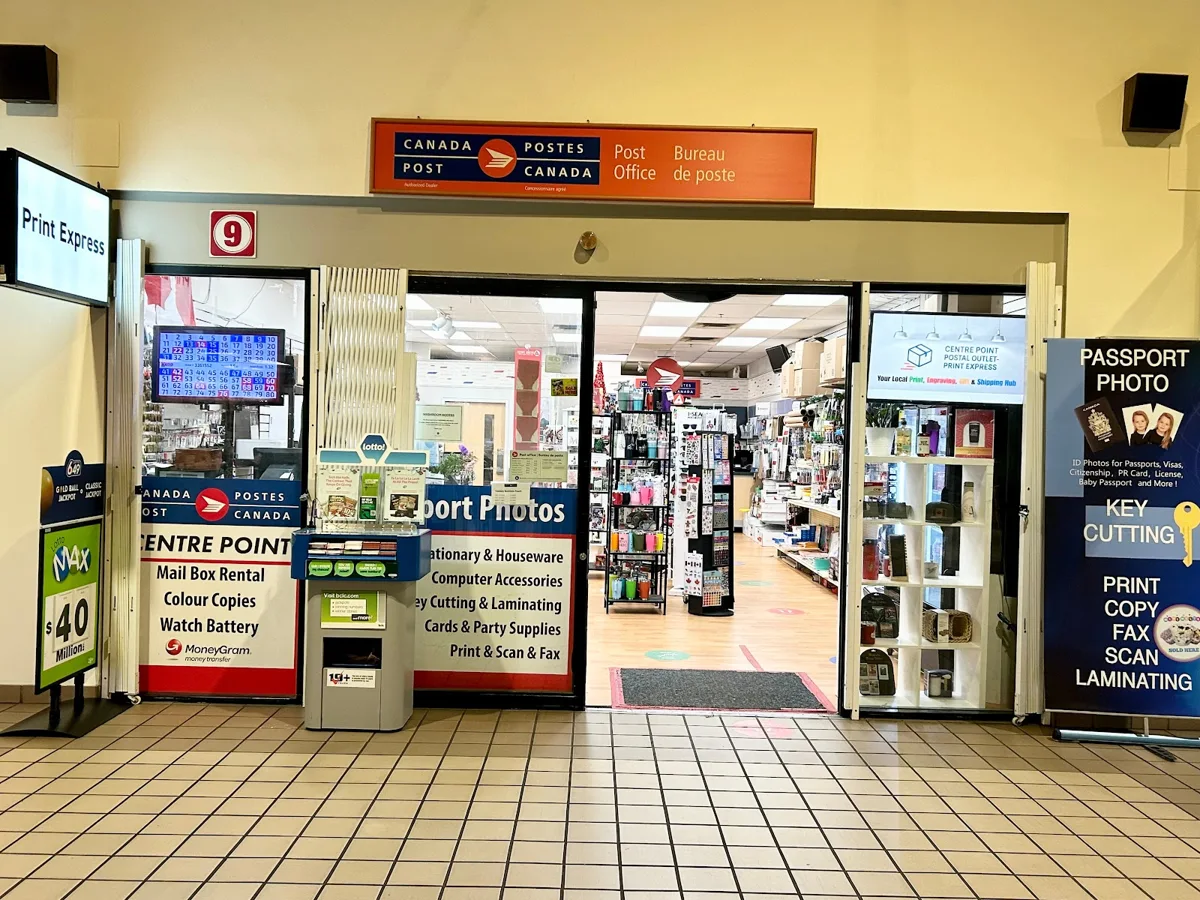
Scan your documents on Main Street
Bring your paper originals to Centre Point and tell us how you need to use the resulting files. Explain the page count, which pages have information on both sides and whether the documents should stay in one file or be separated.
Ask about the available file formats and delivery method. A clear set of instructions helps preserve the page order and makes the file easier to use when you receive it.
Handling originals and checking the result
Tell the team about staples, binding, fragile paper or originals that should not go through a feeder. Keep personal documents with you until you have discussed the job and file handling at the counter.
Check the recipient’s requirements separately if you are submitting an application. Scanning creates a digital copy; it does not establish certification or guarantee acceptance. Ask about photocopying or printing if you also need paper copies.
Good to know
Can you scan double-sided pages?
Identify every side containing information and confirm handling and charges before scanning.
Can I choose a file format?
Tell the team what the recipient needs and confirm the formats available.
Is a scan a certified copy?
Scanning alone does not certify a document. Check the recipient’s instructions.